Student Assistant Solver Tool
Ryan Addeche
For my senior year project at WPI my team was tasked with creating a web application that is used by the computer science department to aid in the student assistant placement process. We built software that real professors, TAs (Teaching Assistants), and PLAs (Peer Learning Assistants) would depend on for course staffing. This process directly affects hundreds of people every academic term.
The Problem
Before our software the CS department's staffing coordinator would have to spend over a week each term manually collecting preferences from both professors and assistants and then try to match assistants to courses via an excel spreadsheet. This was a lot for one coordinator to handle because errors in placements would not be revealed until after the assignments were sent out, resulting in possible confusion as some might have to be changed.
Our goal was to replace that process with a centralized web application where both assistants and professors could sign-in, set their preferences and await to recieve their assignments from the very same website. During their wait after submitting preferences the coordinator would be able to go in and place assignments alongside a solving tool that would validate current assignments, allow manual placements and also have an automatic solver that would place assistants in courses based on preferences.
My Role: Professor-Facing Workflow
I owned the professor-facing side of the application end-to-end, from the initial dashboard through the preference form, submission confirmation and the post-assignment history view.
The previous workflow gave professors no structured way to communicate staffing needs beyond sending an ad-hoc email. Some professors had strong preferences about which assistants they wanted or didn't want. Others needed in-person coverage at specific times. None of that was being collected systematically. This web-application gives the professors the ability to receive assistants that are more well-suited to help with their course.
Designing the Preference Form
I built the professor preference form as a per-section card interface, where each course a professor teaches for the term gets its own card with four input areas:
- Preferred assistants — a searchable selector for staff they'd like to have
- Anti-preferences — staff they explicitly want excluded, with a warning that over-using this feature can leave a section understaffed
- In-person availability — a weekly time grid for communicating when physical coverage is required
- Additional comments — an open text section for anything the structured fields don't capture
Previously, professors that required in-person availability had no way to request assistants with availability when they needed someone physically present. Some professors might not have even known this was something that they could request. The when2meet style time grid feeds directly into the solver's matching logic, so the algorithm can cross-reference professor requirements with staff availability before making assignments.
The Dashboard
The professor dashboard is a live status indicator for where a professor stands in the placement process. It updates across four distinct states:
- Before the deadline — shows the due date and a clear call to submit preferences
- Overdue — flags the missed deadline while still allowing late submission
- Submitted — confirms receipt, shows a summary of their submitted preferences per section, and offers an edit option until the coordinator locks the term
- Assignments published — replaces the preference card with a staff roster for each course, including names, emails, roles, and a one-click "copy all emails" button
What I Learned
Users tell you what they want, you have to figure out what they need. The pre-project survey showed that professors most wanted the ability to prefer and anti-prefer staff. But through just one professor's request another key feature was found, they wanted to communicate in-person availability. That wasn't on the original roadmap. Paying attention to the gap between what people explicitly asked for and what their actual workflow required led to one of the most useful features in the system.
Real deployment changes your standards. Once the application was running against production data with real users, edge cases and UX rough edges became immediately visible. The "overdue preferences" state, the anti-preference warning, the copy-all-emails button; all of these came out of thinking through how real professors would actually use the system, not just how a hypothetical user might. Knowing the software would ship on a real schedule, to real people, made me think more carefully at every step.
Ownership means thinking across the seam. My work didn't end at the form submission. The data I collected had to be structured in a way the solver could use. The state my dashboard displayed had to react to changes made by the coordinator in a completely different part of the application. Owning the professor-facing workflow meant I had to understand the whole system well enough to know where my piece fit.
Conclusion
The STS is live, it worked in production, and the coordinator told us it made a previously stressful process manageable. For a year-long undergraduate project, that's about as good as it gets.
If you're interested in the technical details or want to talk through anything further, feel free to reach out.
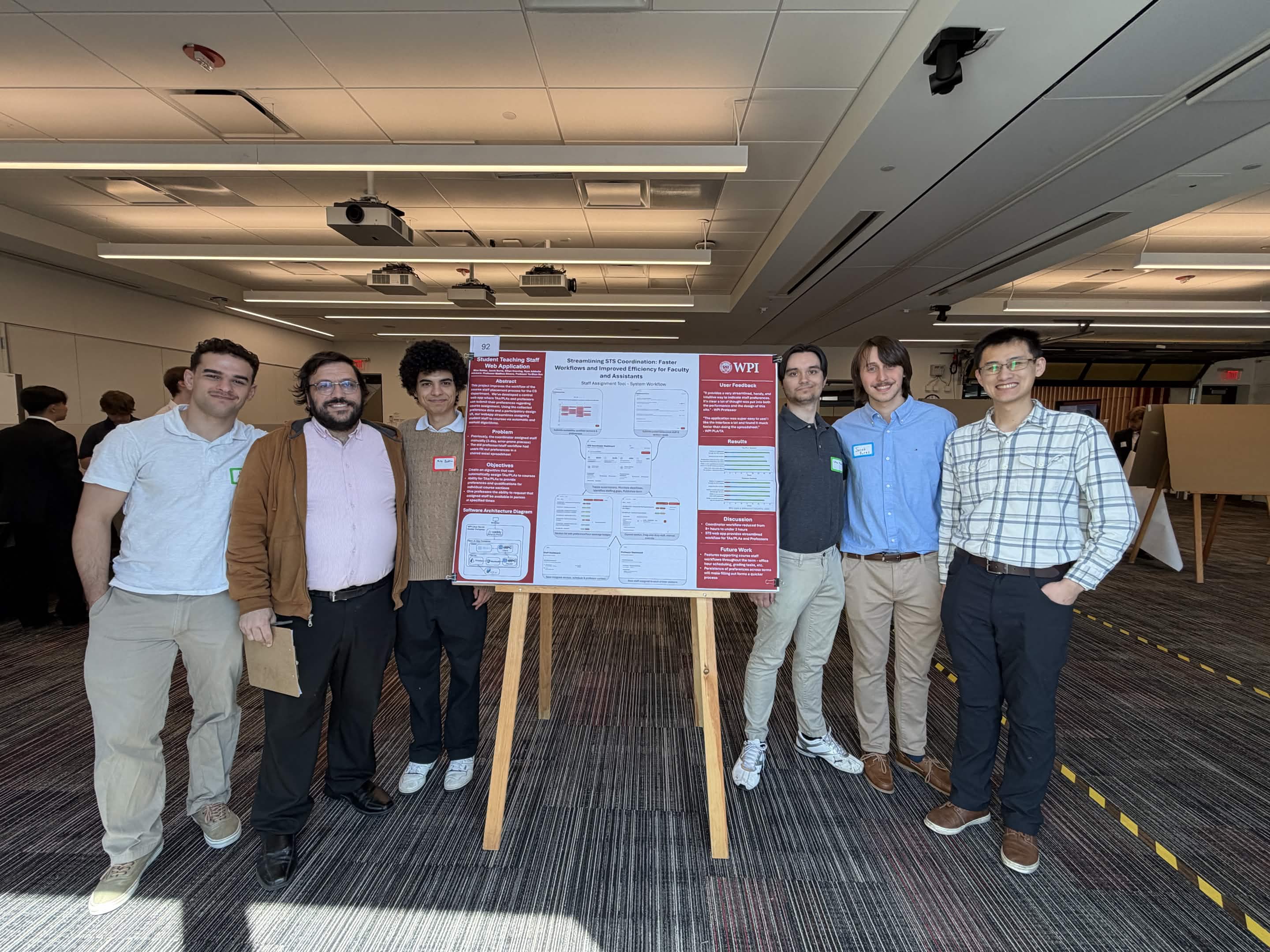
My project group and I at presentation day!
My group's project poster